
Workflows
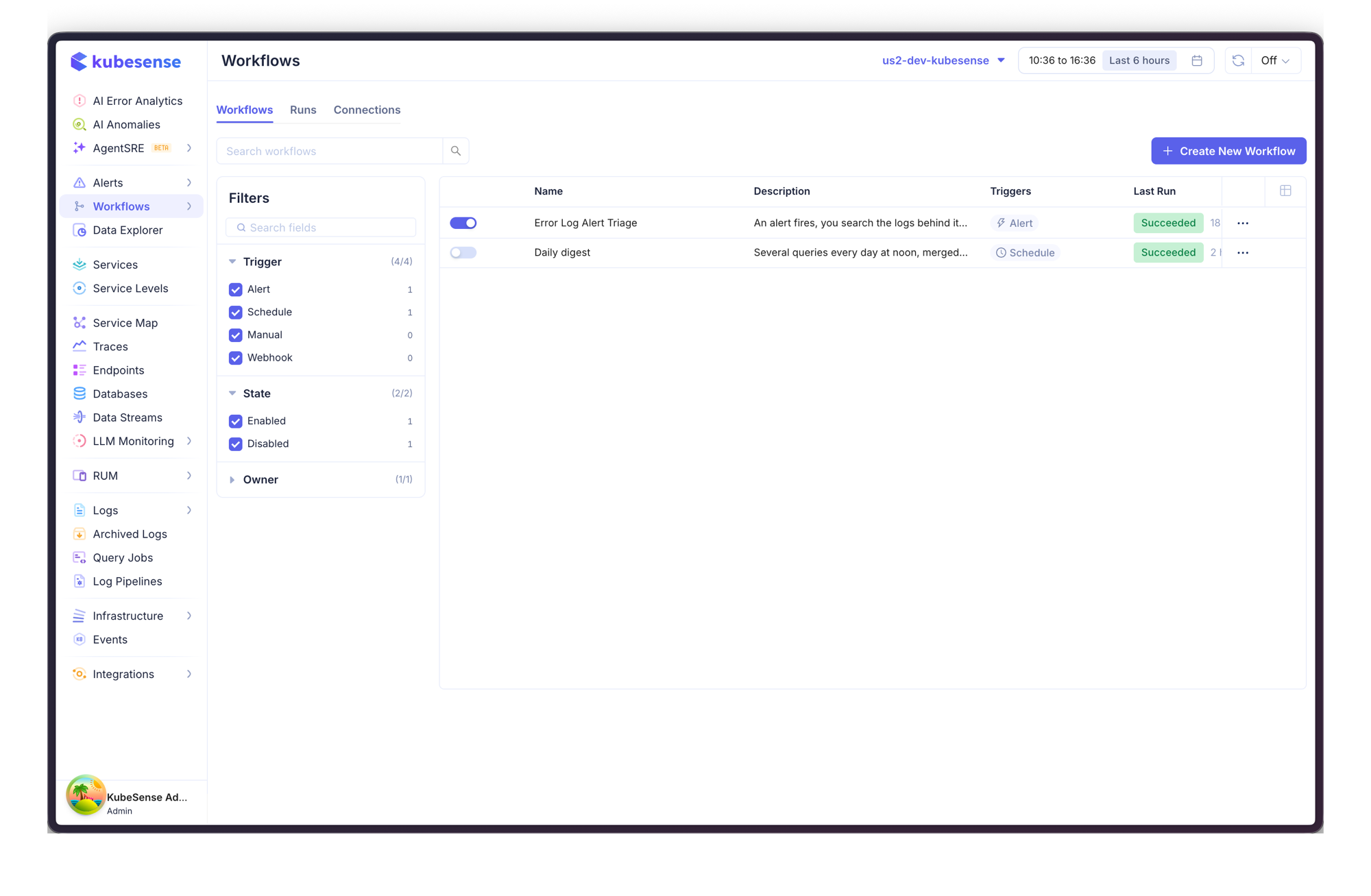
Workflow automation runs a chain of queries when an alert fires or on a schedule, combines the results, and sends them to Slack or an HTTP endpoint.
The work a person does after a page — search the logs behind the alert, check what deployed, summarise it for the channel, file the ticket — is the work a workflow does for you, in the seconds before anyone opens a dashboard.
Sections
- Creating a Workflow — start from a blueprint, add steps, wire dependencies, dry run, publish
- Triggers — alert, schedule and manual triggers, and what each one hands to the steps below it
- Message Templates — the
{{ }}syntax used by Slack messages, HTTP bodies, URLs and conditions - Runs & Troubleshooting — run history, per-step output, and what each state means
- Connections — where Slack and HTTP credentials live, and the limits you can put on them
How a workflow is put together
| Part | What it is |
|---|---|
| Trigger | What starts a run — an alert rule firing, a cron schedule, or someone pressing Run. Exactly one per workflow |
| Steps | Queries against logs, metrics and traces; conditions that gate what follows; payload builders that merge results |
| Actions | A Slack post or an HTTP request. Both send through a Connection, so credentials never live in the workflow |
| Dependencies | Runs after on each step. Steps with no dependency between them run at the same time |
Two ideas worth knowing up front
A draft never runs. Saving stores a draft; only Publish arms a workflow for its triggers. You can save a half-finished workflow with problems in it — nothing will execute until you publish, and publishing is refused while errors remain.
A workflow runs once per incident, not once per evaluation. An alert re-evaluating every minute for two days does not produce 2,880 runs. Runs are keyed to the firing episode, so a repeat is recorded as Skipped · duplicate rather than filing the same ticket again.
Access
Workflows have their own permission, separate from Alerts. Read access shows workflows and run history; write access is needed to create, edit, publish, enable, run, and to manage connections. Grant it under Settings → Roles.