
Playground
Use the playground to test a prompt with supported providers and models before changing production traffic. The playground can work with text or chat-style messages, structured output, and tool definitions. A trace can be opened as a starting point and its Langfuse-style input is converted into playground prompt messages.
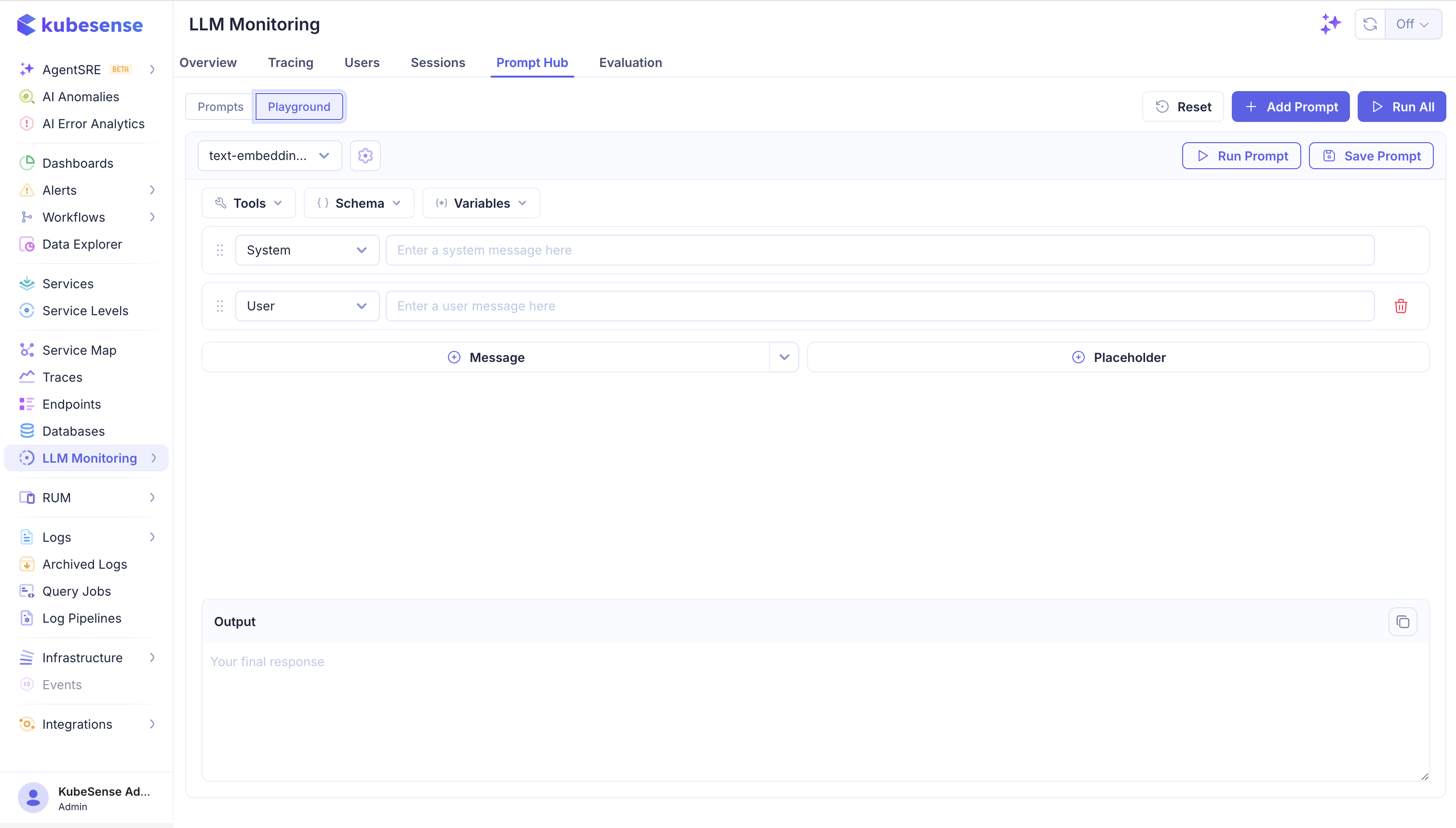
The playground lets you:
- Choose a model from the selected application's configured connections.
- Edit system, user, assistant, and tool messages.
- Substitute prompt variables and placeholder message values.
- Configure temperature, maximum tokens, and top-p sampling when supported.
- Add tool definitions and test tool-call behavior.
- Request structured output using a JSON schema.
- Add another prompt instance to compare models or prompt variants side by side.
- Reset the form or run the current prompt.
Playground example
To compare two models for a support response:
- Add a system message defining the support policy.
- Add a user message with
{{question}}and provide a sample question. - Select the first model and run the prompt.
- Add a second prompt instance, keep the same messages, and select another model.
- Compare output quality, latency, token usage, and cost.
- Save the better variant as a new prompt version and evaluate it on a representative dataset.
For structured output, request a response such as:
{
	"category": "billing",
	"priority": "high",
	"summary": "The customer was charged twice."
}
Define the corresponding schema in the playground so invalid responses are easier to identify before the prompt reaches production.
Playground limitations
The playground is a development aid. Its output can differ from production because of provider availability, model version, temperature, retrieved context, tool results, and application code around the prompt. Validate a candidate prompt with a representative dataset before deploying it.
From a trace to a prompt test
Open a representative generation from Tracing, review the exact input and output, and send the input to the playground. Adjust the prompt or model, compare the result, and record the candidate in a dataset when it should be evaluated repeatedly.
Where to next
- Prompts — save a tested variant as a new version
- Experiments — run a version across a dataset instead of one input