
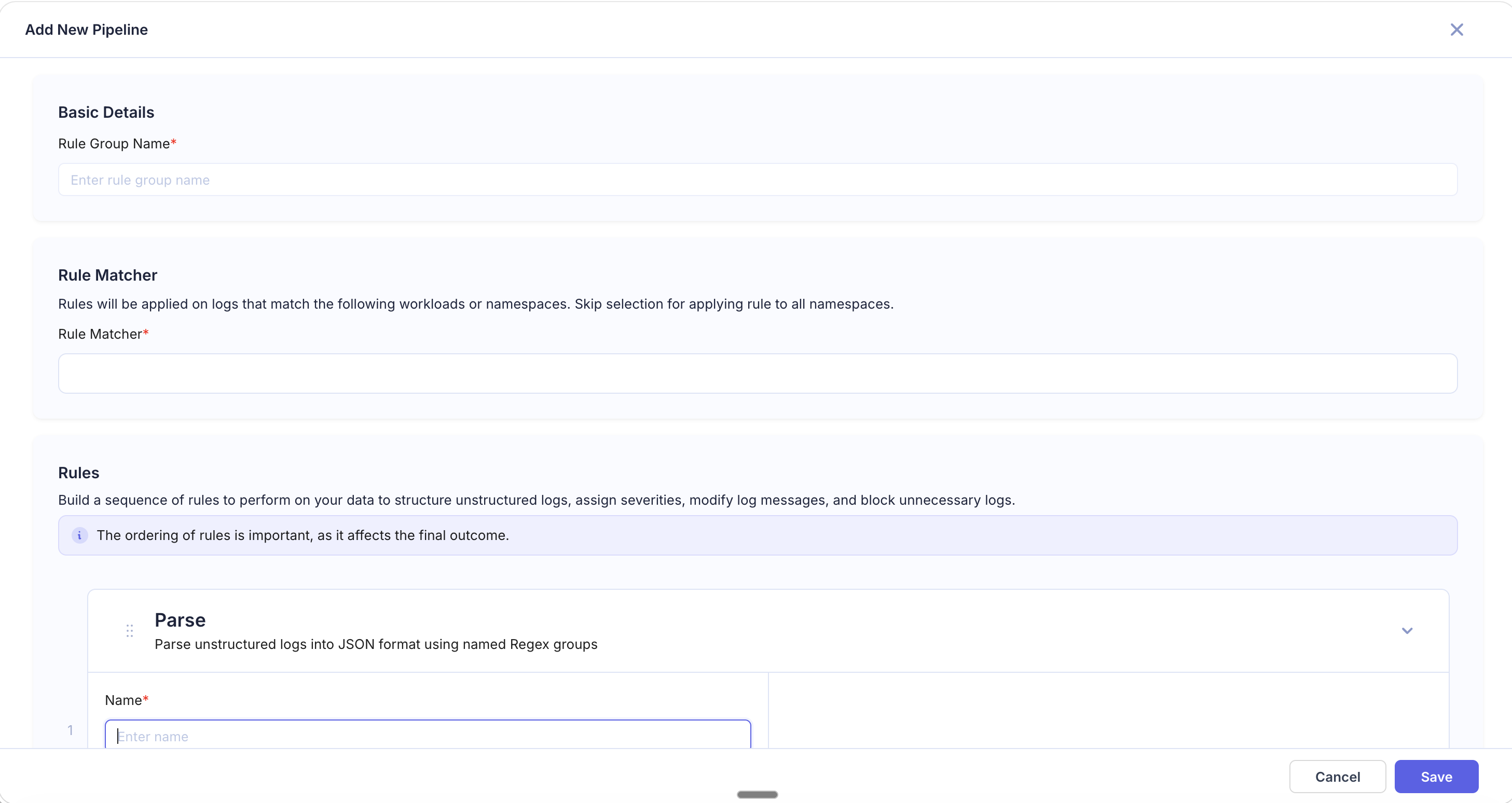
Parse
The Parse rule converts unstructured log text into structured JSON using named regex capture groups. This is the most powerful rule for turning free-text logs into queryable, structured data.
When to Use
- Your logs are plain text (not JSON) and you want to search/filter on specific parts of the message.
- You need to break a log line into multiple fields at once (e.g., timestamp, level, message, request ID).
- You want to convert legacy application logs into a structured format without changing application code.
Fields
| Field | Required | Description |
|---|---|---|
| Name | Yes | Rule identifier |
| Regular Expression | Yes | Regex with named capture groups (e.g., (?P<field_name>...)) that define the JSON keys |
| Use as format | No | Checkbox — when enabled, the rule name is used as the log format label for parsed logs |
How It Works
The Parse rule applies the regular expression to the raw log body. Each named capture group ((?P<name>pattern)) becomes a key in the resulting JSON object, with the matched text as its value.
If the regex does not match a log line, the log passes through unchanged.
Examples
Apache Access Log
Input:
192.168.1.1 - - [10/Mar/2026:13:55:36 +0000] "GET /api/users HTTP/1.1" 200 1234Regular Expression:
(?P<ip>\d+\.\d+\.\d+\.\d+) .* \[(?P<timestamp>[^\]]+)\] "(?P<method>\w+) (?P<path>\S+) HTTP/\d\.\d" (?P<status>\d{3}) (?P<bytes>\d+)Result:
{
  "ip": "192.168.1.1",
  "timestamp": "10/Mar/2026:13:55:36 +0000",
  "method": "GET",
  "path": "/api/users",
  "status": "200",
  "bytes": "1234"
}
Application Log with Level and Request ID
Input:
2026-03-10 13:55:36 [WARN] req=abc-123 Failed to connect to database, retrying...Regular Expression:
(?P<timestamp>\d{4}-\d{2}-\d{2} \d{2}:\d{2}:\d{2}) \[(?P<level>\w+)\] req=(?P<request_id>\S+) (?P<message>.+)Result:
{
  "timestamp": "2026-03-10 13:55:36",
  "level": "WARN",
  "request_id": "abc-123",
  "message": "Failed to connect to database, retrying..."
}
Tips
- Use regex101.com to test and debug your regex before pasting it into KubeSense.
- Named groups must use the
(?P<name>...)syntax. - If the Use as format checkbox is enabled, the rule name appears as the log format label, helping you identify which parse rule was applied when browsing logs.
- Place Parse rules early in your pipeline so that subsequent rules (Extract, Replace, etc.) can operate on the newly created fields.