
Block
The Block rule filters out logs that match (or don't match) a regex pattern. Blocked logs are dropped entirely and never indexed — reducing storage costs and noise.
When to Use
- You have high-volume, low-value logs consuming storage (health checks, keep-alive pings, verbose debug output).
- A specific workload generates logs you never query.
- You want to keep only logs matching a specific pattern (e.g., errors only) from a noisy source.
Fields
| Field | Required | Description |
|---|---|---|
| Name | Yes | Rule identifier |
| Source Field | No | The field to evaluate. If empty, the complete log body is used |
| Regular Expression | Yes | Pattern to match |
| Block Logic | Yes | See below |
Block Logic Options
| Option | Behavior |
|---|---|
| Block all matching | Drops logs where the regex matches. Logs that don't match pass through. |
| Block all non-matching | Drops logs where the regex does not match. Only logs that match the regex pass through. |
How It Works
For each incoming log, the rule evaluates the regex against the source field (or full log body). Based on the selected block logic, the log is either dropped or allowed to continue through the pipeline.
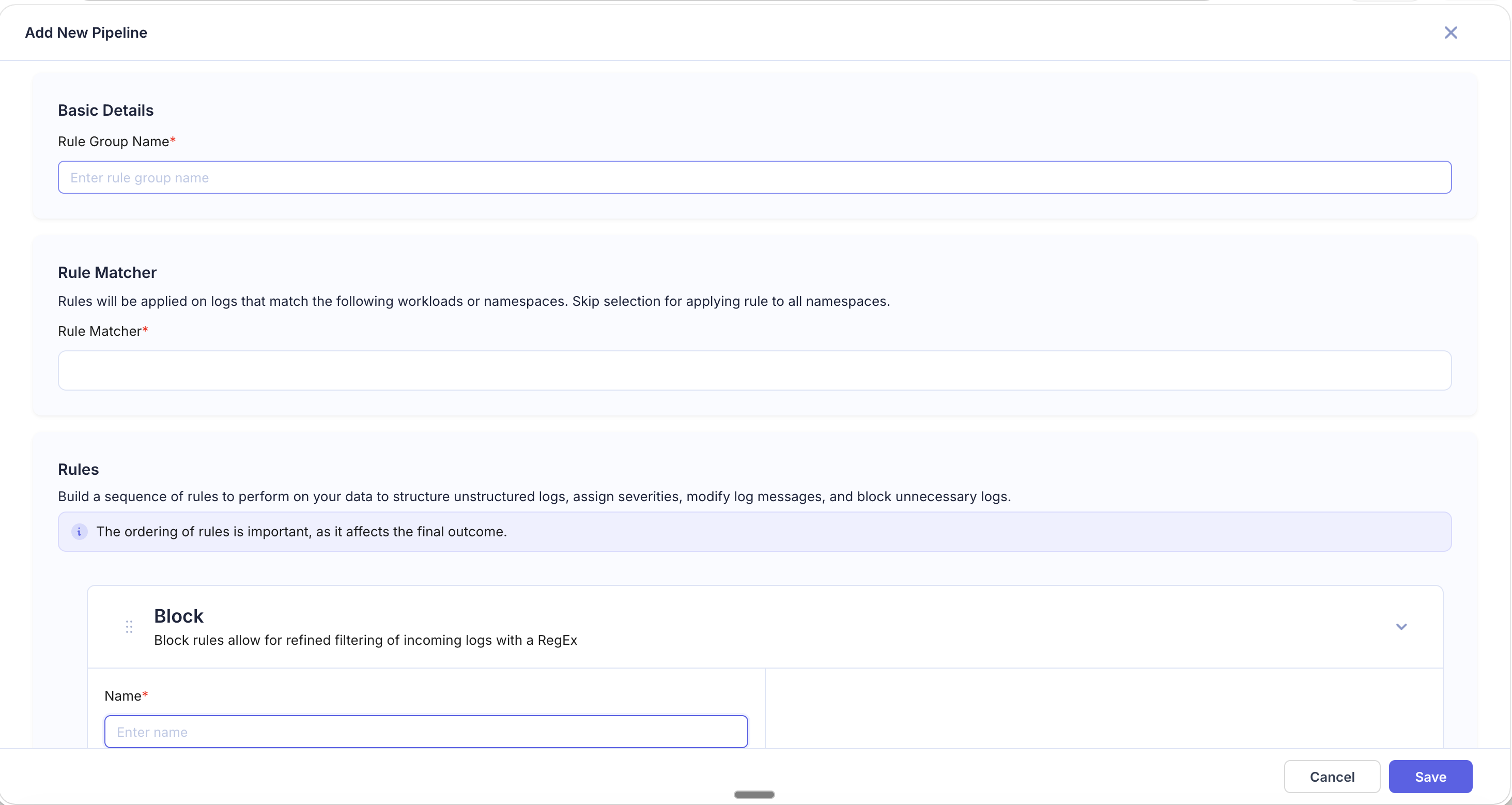
Blocked logs are discarded before indexing — they will not appear in searches, dashboards, or alerts.
Examples
Block Health Check Logs
- Regular Expression:
GET /healthz|GET /readyz|GET /livez - Block Logic: Block all matching
Result: All Kubernetes health check probe logs are dropped.
Block Debug-Level Logs
- Source Field:
severity - Regular Expression:
DEBUG|TRACE - Block Logic: Block all matching
Result: Only INFO, WARN, ERROR, and CRITICAL logs are indexed.
Keep Only Error Logs
- Source Field:
severity - Regular Expression:
ERROR|CRITICAL|FATAL - Block Logic: Block all non-matching
Result: Only error-level logs from the matched workloads are indexed. All other severity levels are dropped.
Block Noisy Cron Job Output
- Regular Expression:
cron-job-cleanup.*completed successfully - Block Logic: Block all matching
Result: Routine success messages from a cron job are dropped while error logs from the same job still pass through.
Tips
- Block rules permanently discard logs. Be specific with your regex and Rule Matcher to avoid accidentally dropping logs you need.
- Use Block all non-matching carefully — it drops everything that doesn't match, which can be aggressive.
- Test your regex on sample logs before saving the rule. Use the preview panel to verify which logs would be blocked.
- Combine Block with a specific Rule Matcher to target only certain workloads, keeping logs from other sources untouched.
- Place Block rules early in the pipeline to reduce the volume of logs processed by subsequent rules, improving overall pipeline efficiency.