
Extract
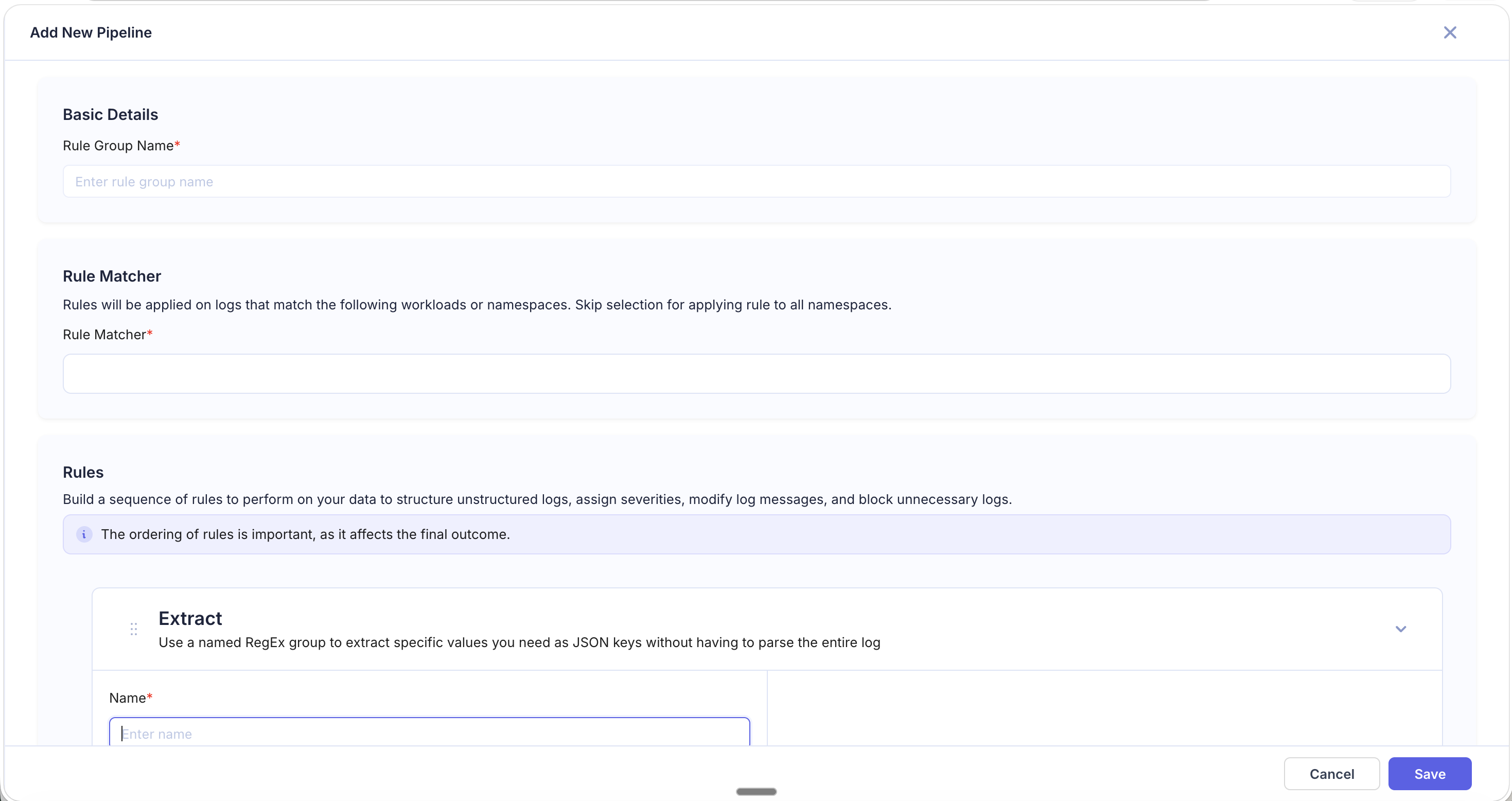
The Extract rule pulls a specific value from a log field using a named regex group and promotes it to a top-level JSON key — without parsing the entire log.
When to Use
- You only need one or two specific values from a log line (e.g., a request ID or user ID).
- Writing a full Parse regex for the entire log line would be overkill.
- The log is partially structured and you just need to pull out an additional field.
Extract vs. Parse
| Parse | Extract | |
|---|---|---|
| Scope | Parses the entire log line into multiple fields | Extracts one value from a specific field |
| Complexity | Requires a regex covering the full log structure | Only needs a regex for the target value |
| Best for | Fully unstructured logs | Pulling a single field from semi-structured logs |
Fields
| Field | Required | Description |
|---|---|---|
| Name | Yes | Rule identifier |
| Source Field | Yes | The log field to run the regex against |
| Regular Expression | Yes | Regex with a named capture group (e.g., (?P<field_name>...)) |
How It Works
The Extract rule applies the regex to the specified Source Field. The value captured by the named group is added as a new top-level JSON key on the log. The original field remains unchanged.
Examples
Extract Order ID
Source Field: message
Input value:
[INFO] Processing order order_id=ORD-78421 user=john@example.comRegular Expression:
order_id=(?P<order_id>\S+)Result: A new field order_id is added with value ORD-78421.
Extract Trace ID from Header
Source Field: headers
Input value:
X-Trace-Id: 4bf92f3577b34da6a3ce929d0e0e4736, X-Request-Id: req-9981Regular Expression:
X-Trace-Id: (?P<trace_id>[a-f0-9]+)Result: A new field trace_id is added with value 4bf92f3577b34da6a3ce929d0e0e4736.
Tips
- The named group name becomes the new field name — choose descriptive names.
- If the regex doesn't match, the log passes through without the new field.
- You can add multiple Extract rules in a pipeline to pull out several fields independently.